Card Authorizations API Integration Guide
This page details how to integrate with the Beam Card Authorizations API, which allows you to Authorize card payments directly via API calls.
This page will take you through the steps to create a card authorization, handle the different responses of card authorization creation, and tracking the card authorization lifecycle. For this scenario, we will use a Postman collection provided in the Sample Postman Collection page to demonstrate the API calls.
Steps to integrate with Card Authorizations API
Pre-requisites:
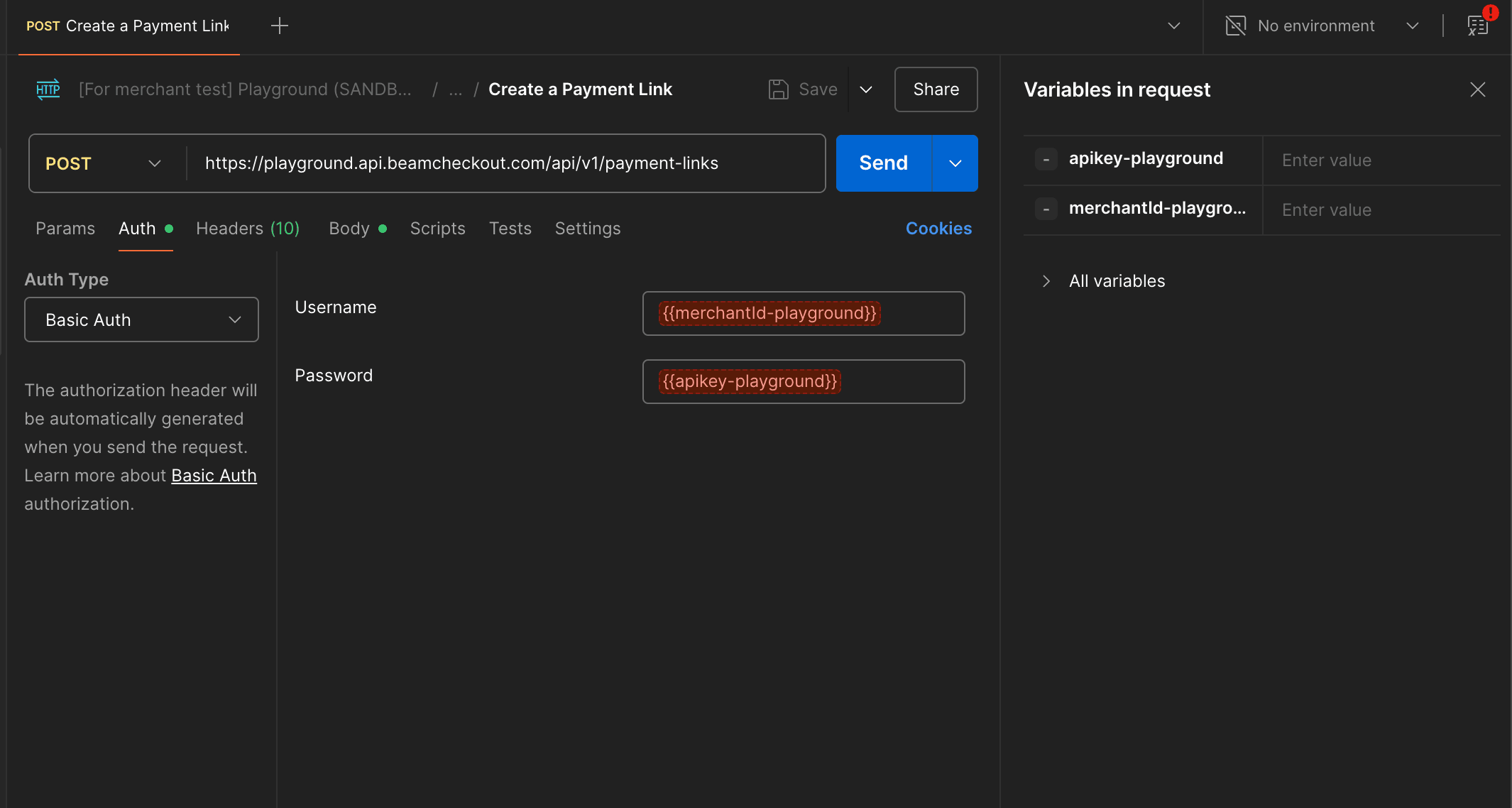
Set up the environment variables in Postman for the Beam API, which includes Beam Playground’s merchant ID and your API key.
- Create a Card Authorization
When your integration needs to authorize customers’ card, you can send a request to create a card authorization. To
create a
card authorization, send a POST request to the /api/v1/card-authorizations endpoint with the required parameters.
Here is the sample provided request object to create a card authorization for a CARD payment method, do note that
the amount is
in the smallest unit of the currency (e.g., satang for THB):
{
  "amount": 10000,
  "currency": "THB",
  "paymentMethod": {
    "card": {
      "cardHolderName": "CARDHOLDER NAME",
      "expiryMonth": 12,
      "expiryYear": 30,
      "pan": "4111111111111111",
      "securityCode": "123"
    },
    "paymentMethodType": "CARD"
  },
  "referenceId": "order_190821",
  "returnUrl": "https://www.beamcheckout.com",
  "skip3dsFlow": false
}- Handle Card Authorization Creation Response
Once an API call is made successfully, a card authorization is created. However, some authorizations may require
additional steps to complete the payment. This is indicated in the actionRequired field of the card authorization
creation response.
There are 2 possible values for this field:
-
NONE: No additional action is required to complete the payment. -
REDIRECT: The shopper needs to be redirected to a URL to complete. This is shown in theredirectobject of the response.2.1 Handling
NONEAction
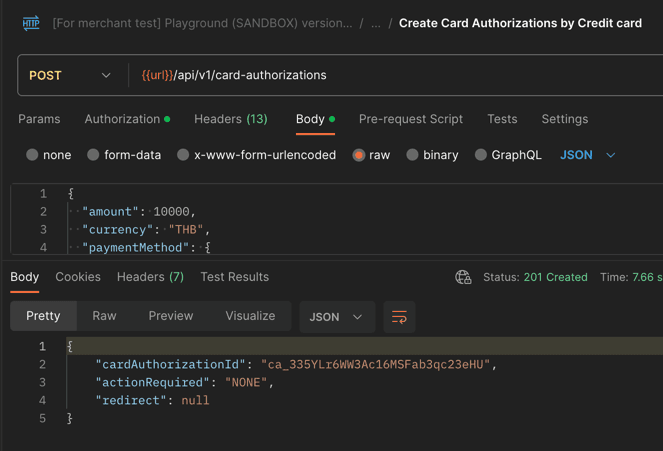
If the actionRequired field is NONE, the card authorization is successfully created and no further action is
required.
Do note that this does not mean that the card authorization has succeeded, only that it is created successfully
Here is an example of a card authorization creation response with no action required:
2.2 Handling REDIRECT Action
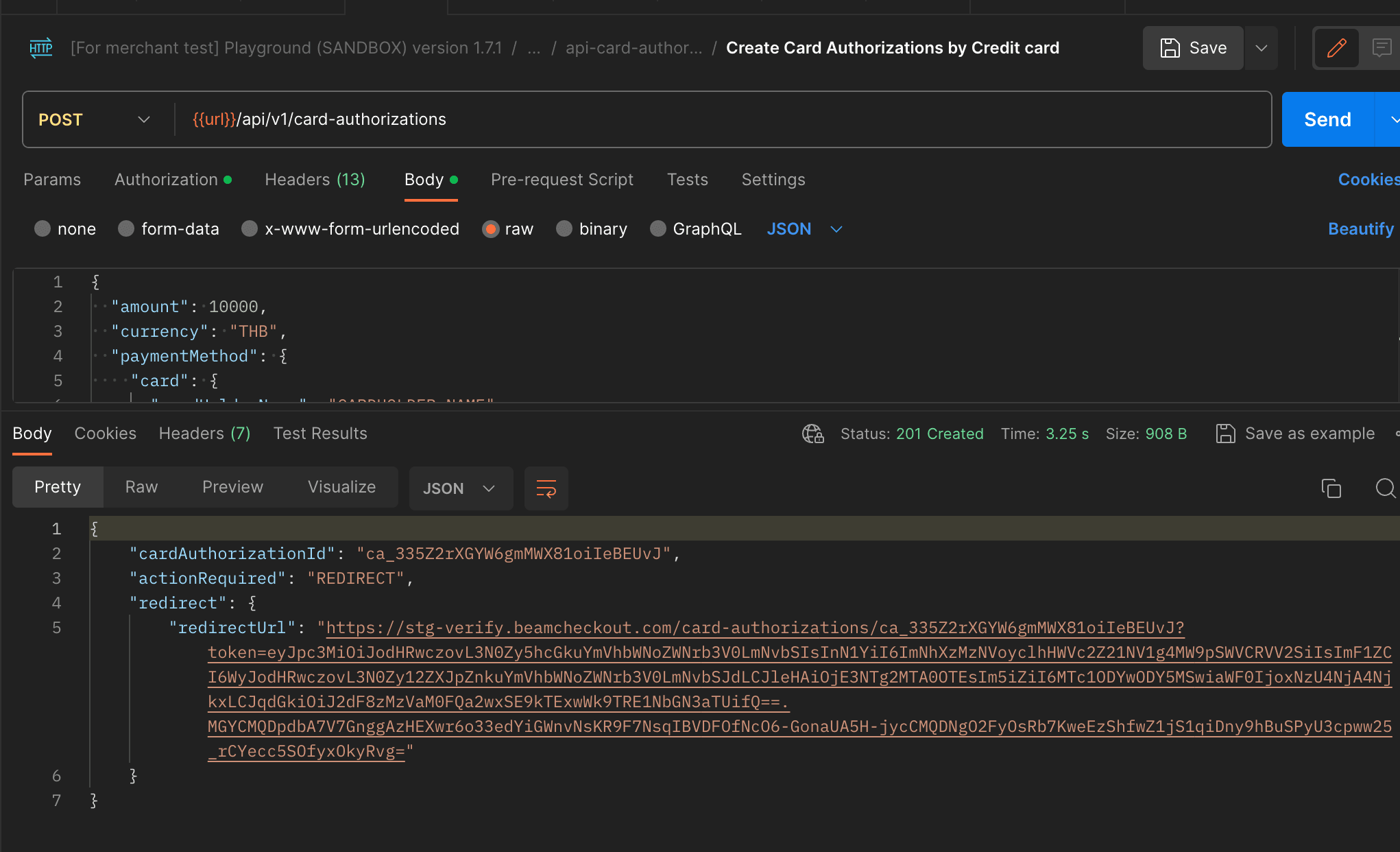
If the actionRequired field is REDIRECT, you need to redirect the shopper to the URL provided in the redirect
object of the response.
Here is an example of a card authorization creation response with a redirect action:
- Track Card Authorization Lifecycle
After the card authorization is created, you can track the card authorization lifecycle by subscribing to the relevant
webhooks.
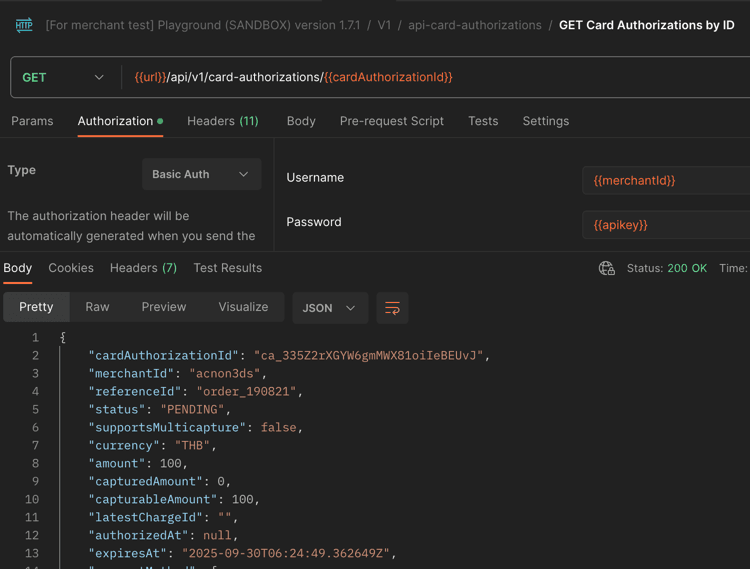
This can be done manually through an API call to the /api/v1/card-authorizations/{cardAuthorizationId} endpoint to
see
the current status
of the card authorization.
However, it is recommended to subscribe to the webhooks to get updates on the card authorization status. This can
be
done via the card_authorization.succeeded webhook, which will notify you when the card authorization is successfully
processed.
You can find an example of setting up the webhook in the Playground section of the documentation.